The processing of Standing Journals is not an automatic function - the Process Standing Journals application must be run and the Journals that are to be processed must be selected.
Process Standing Journals
-
From the Home Menu select
 Home > Financials > Accounting > General Ledger > Process Standing Journals.
- Click the Home Menu to expand it:

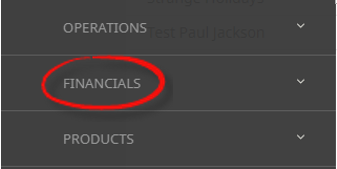
- Click the Financials menu option to expand it:

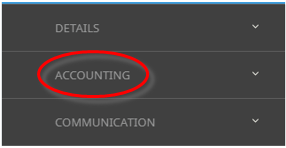
- Click Accounting to go to the Accounting menu to expand it:

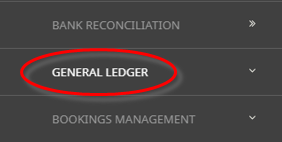
- Click General Ledger to go to the General Ledger menu to expand it:

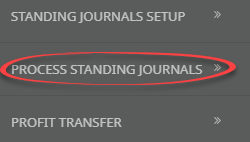
- Click Process Standing Journals to go to the Process Journals screen:

- Click the Home Menu to expand it:
- When this screen is first accessed, the Process Journals Due By date will display today's date.
- Select the Date that Standing Journals are due by.
NOTE: The system will search based on the selected date and will display all standing journals that need to be processed up to the date specified.
-
To process the Standing Journals, clickProcess.

- Once the journal(s) have been processed, they are visible under Home > Financials.

About Process Journals By Due Date Screen

Process Journals Due By
Select the date that standing journals are due by. This date determines the journal date/transaction period. If the journal date period is later than the current G.L. accounting period, the journal transactions will not be visible, nor will the balances of the G.L. accounts be updated. This will occur when the journal date period becomes the current G.L. accounting period.
Qty column will show how many times the journal needs to be processed based on the system calculation from when the journal was last run to the date the journal is due by. This means if it's Weekly or Fortnightly etc, the column may show that it needs to be run 2 or 3 times.
NOTE: Once the journal(s) have been processed, they are visible under Home > Financials > Journals.